Resume templates for Google Docs
Google Docs templates are free, but they are hard to adjust and many look the same. Build your resume here with a designed template, download the PDF to send, and open the Word file in Google Docs whenever you want to edit.
Free to fill in and preview. $5.99 once to download. No account, no subscription.
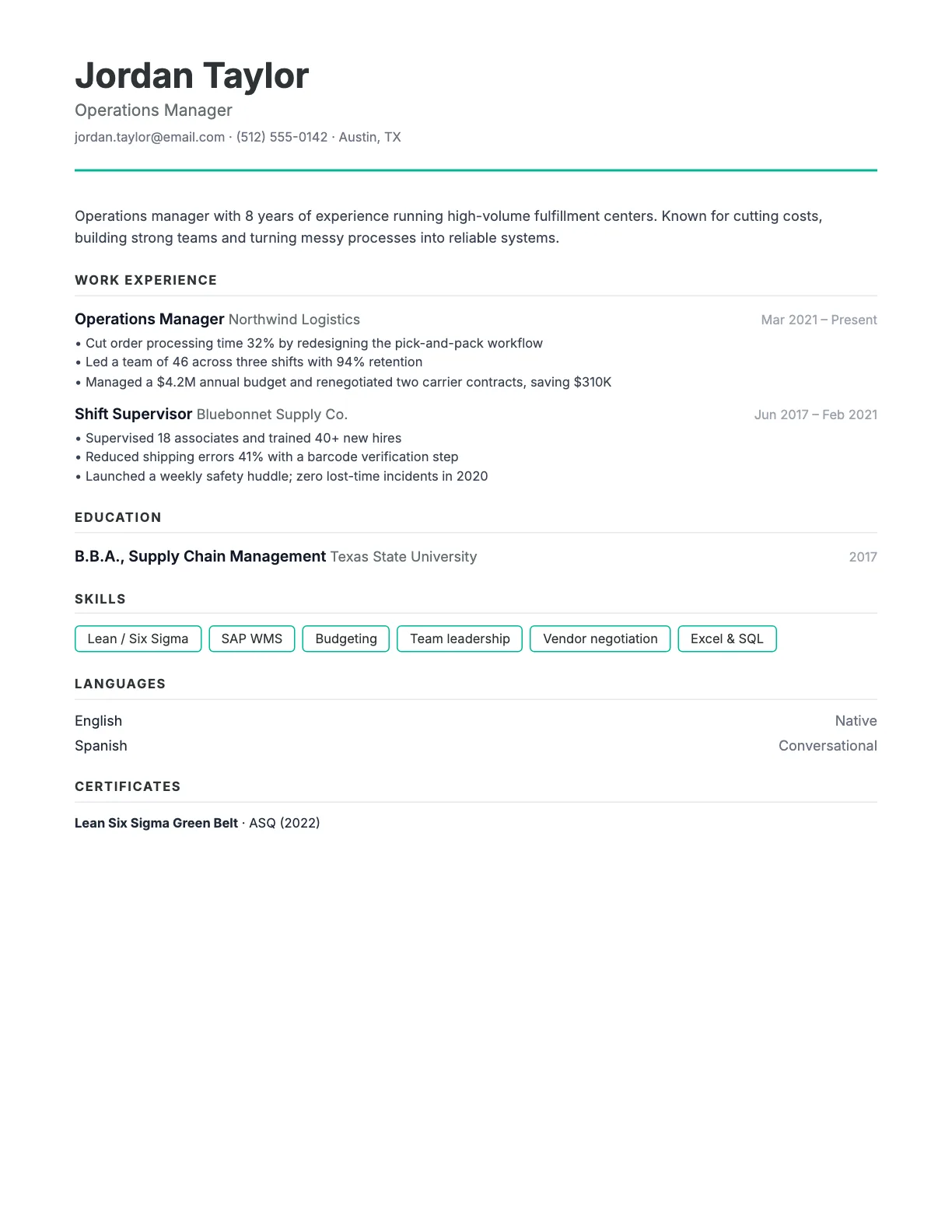
Lots of white space and quiet typography that lets your content speak.
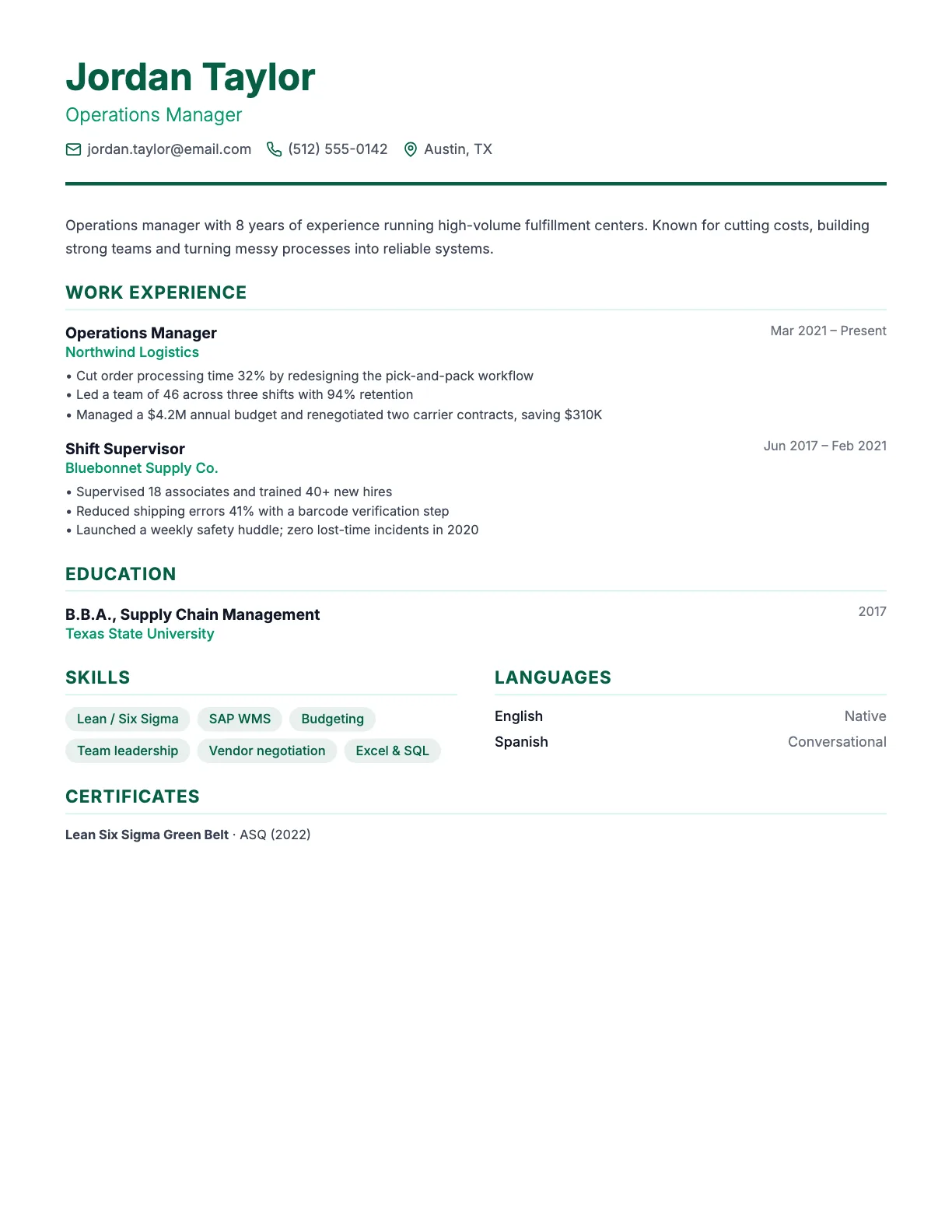
The classic layout with a subtle green accent.
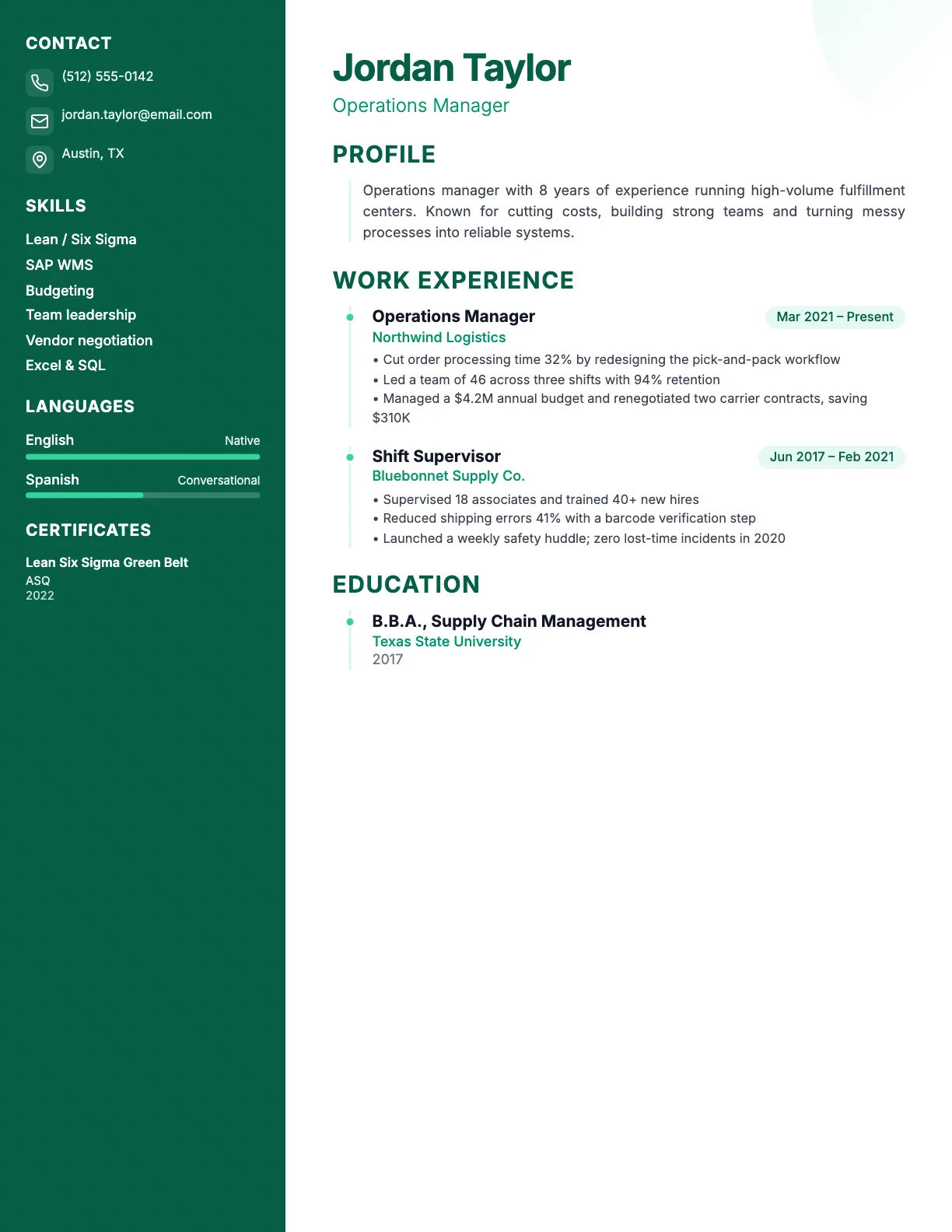
A calm green sidebar that looks polished in office and healthcare roles.
How to open your resume in Google Docs
- 1Download the Word (DOCX) file from Resumoji.
- 2Open Google Drive and click New, then File upload.
- 3Right-click the file and choose Open with, then Google Docs.
Why not just use a Google Docs template?
Google Docs templates are a fine starting point, but you still write every word yourself and fix the layout by hand. Our builder gives you examples for 99 jobs, a live preview and a designed PDF, and you still get a file you can edit in Google Docs.
All 18 templates, four layouts
| Layout | Colors | Best for |
|---|---|---|
| Sidebar | 9 | Most jobs; great when you have many skills, languages or certifications. |
| Full width | 3 | Traditional industries, long work histories and large employers. |
| Minimal | 3 | Design, tech and anyone who prefers a clean, quiet look. |
| Header | 3 | Management and senior roles, where a strong first impression matters. |
Frequently asked questions
Can I edit my Resumoji resume in Google Docs?
Yes. Upload the Word (DOCX) file to Google Drive and open it with Google Docs.
Should I send a Google Docs link to employers?
No. Send a PDF attachment. Links can have the wrong sharing settings, and employers expect a file.
Pick a template. Fill in the form.
Watch your resume take shape as you type. Free to edit, $5.99 once to download PDF and Word.
Start with a template