Professional resume templates
A professional template looks polished without distracting from what you have done. These designs work for office jobs, healthcare, finance, management and anywhere a first impression matters.
Free to fill in and preview. $5.99 once to download. No account, no subscription.
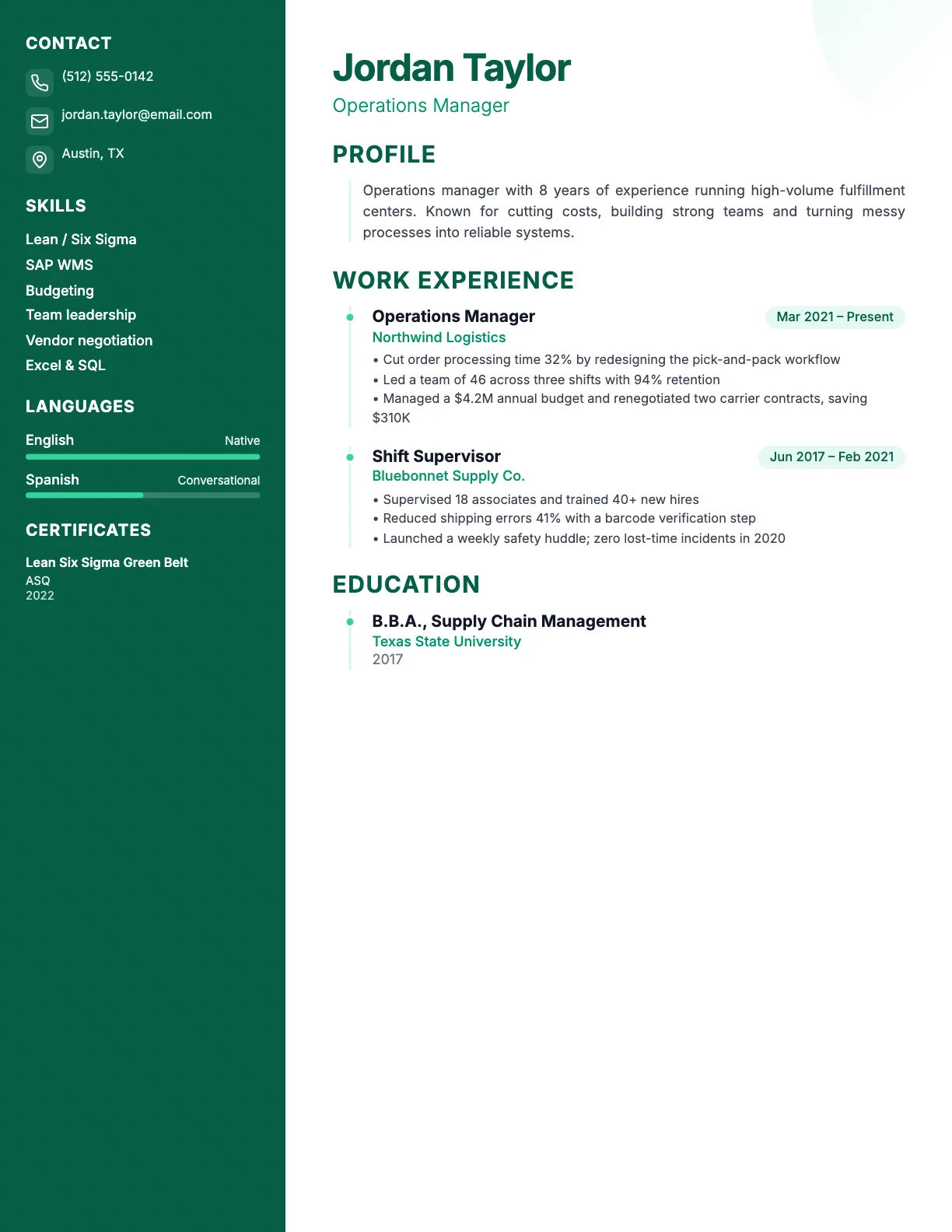
A calm green sidebar that looks polished in office and healthcare roles.
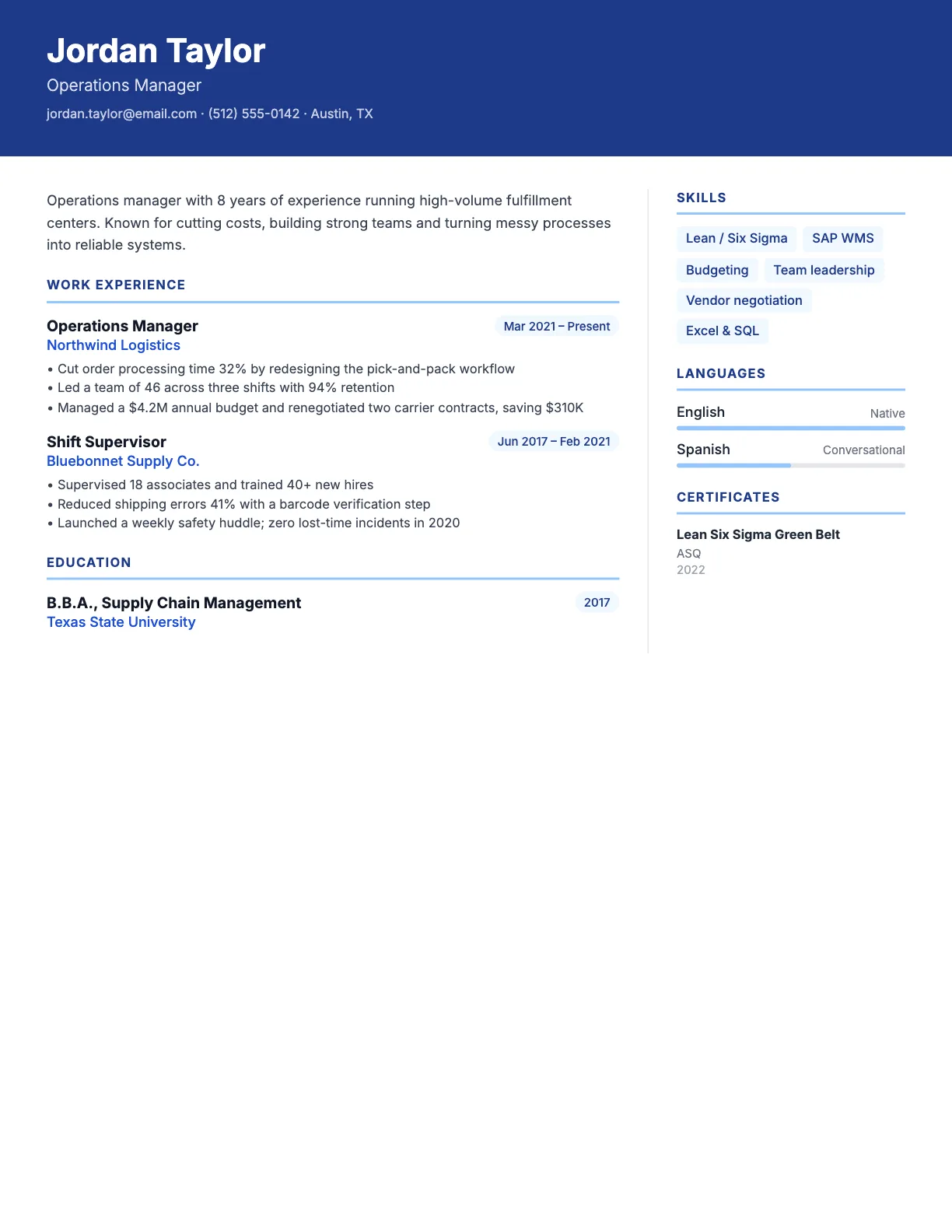
A strong header band for senior and management roles.
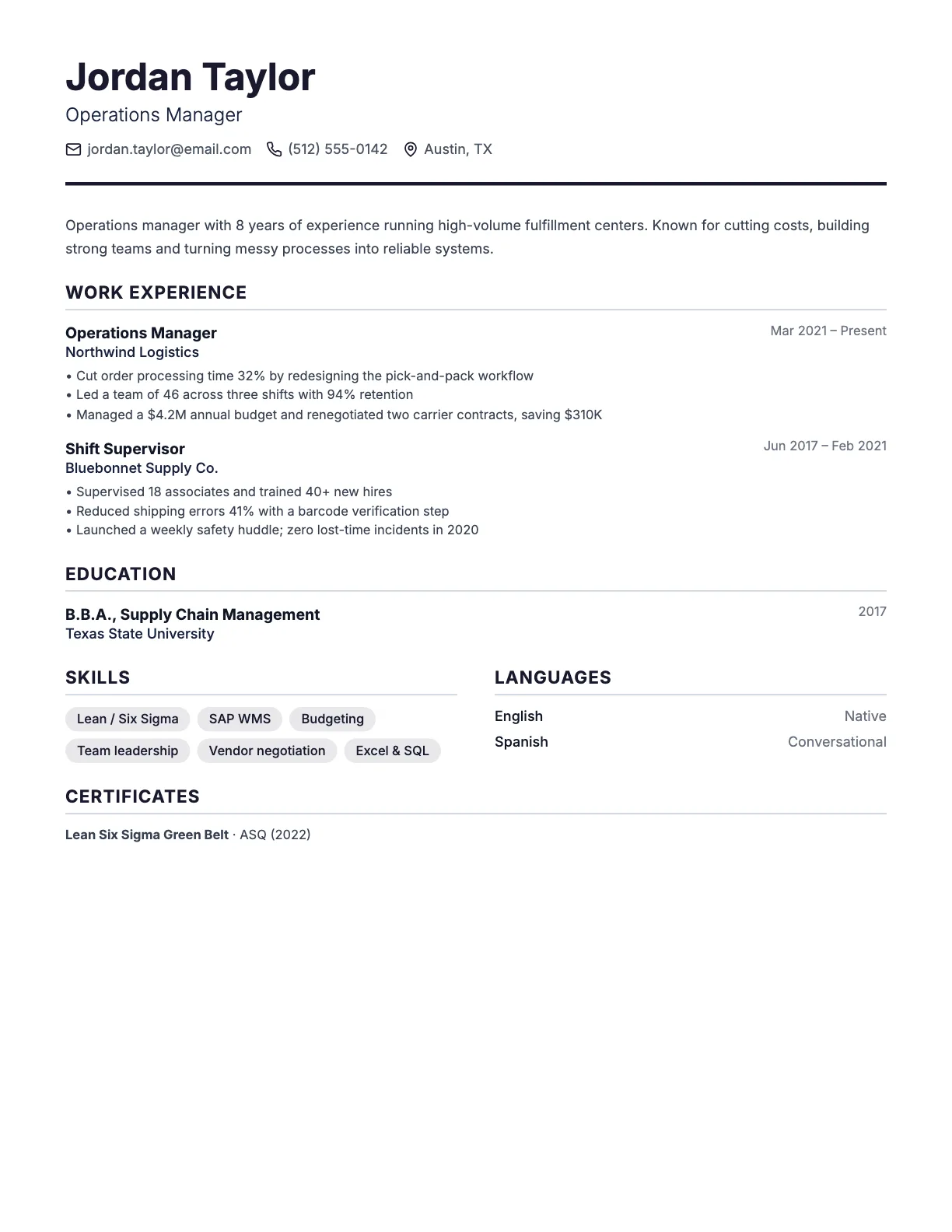
Full-width, traditional and easy to scan. Safe for any industry.
Choosing a professional template
- Header layouts for management and senior roles
- Full-width layouts for traditional industries
- Sidebar layouts when you have many skills or certifications
- Calm colors such as navy, green or gray
Content matters more than design
The template opens the door; your bullet points get the interview. Start each bullet with an action verb, add numbers where you can and match the words in the job ad. See resume examples for 99 jobs.
All 18 templates, four layouts
| Layout | Colors | Best for |
|---|---|---|
| Sidebar | 9 | Most jobs; great when you have many skills, languages or certifications. |
| Full width | 3 | Traditional industries, long work histories and large employers. |
| Minimal | 3 | Design, tech and anyone who prefers a clean, quiet look. |
| Header | 3 | Management and senior roles, where a strong first impression matters. |
Frequently asked questions
What color is best for a professional resume?
Navy, dark gray and muted green are safe choices. Use color for headings or a sidebar, not for body text.
Should a professional resume have a photo?
Not for most US jobs. Leave the photo off unless the employer asks for one.
Pick a template. Fill in the form.
Watch your resume take shape as you type. Free to edit, $5.99 once to download PDF and Word.
Start with a template